

TradingView is a free charting platform and social network where traders/investors can look at financial charts and use a wide variety of tools to spot opportunity in every market across Stocks, Forex, Crypto, Futures & Commodities. TradingView users can connect most brokers to trade directly on the platformn and leap into opportunities as they are presented in real time from their charts.
Info -This is the great platform where we host our AlgoBing : strategy and indicator. You can create a free account on TradingView and then after signing up on our website receive instant access to use our products from your indicators or Invite-only
How To Create A TradingView Account
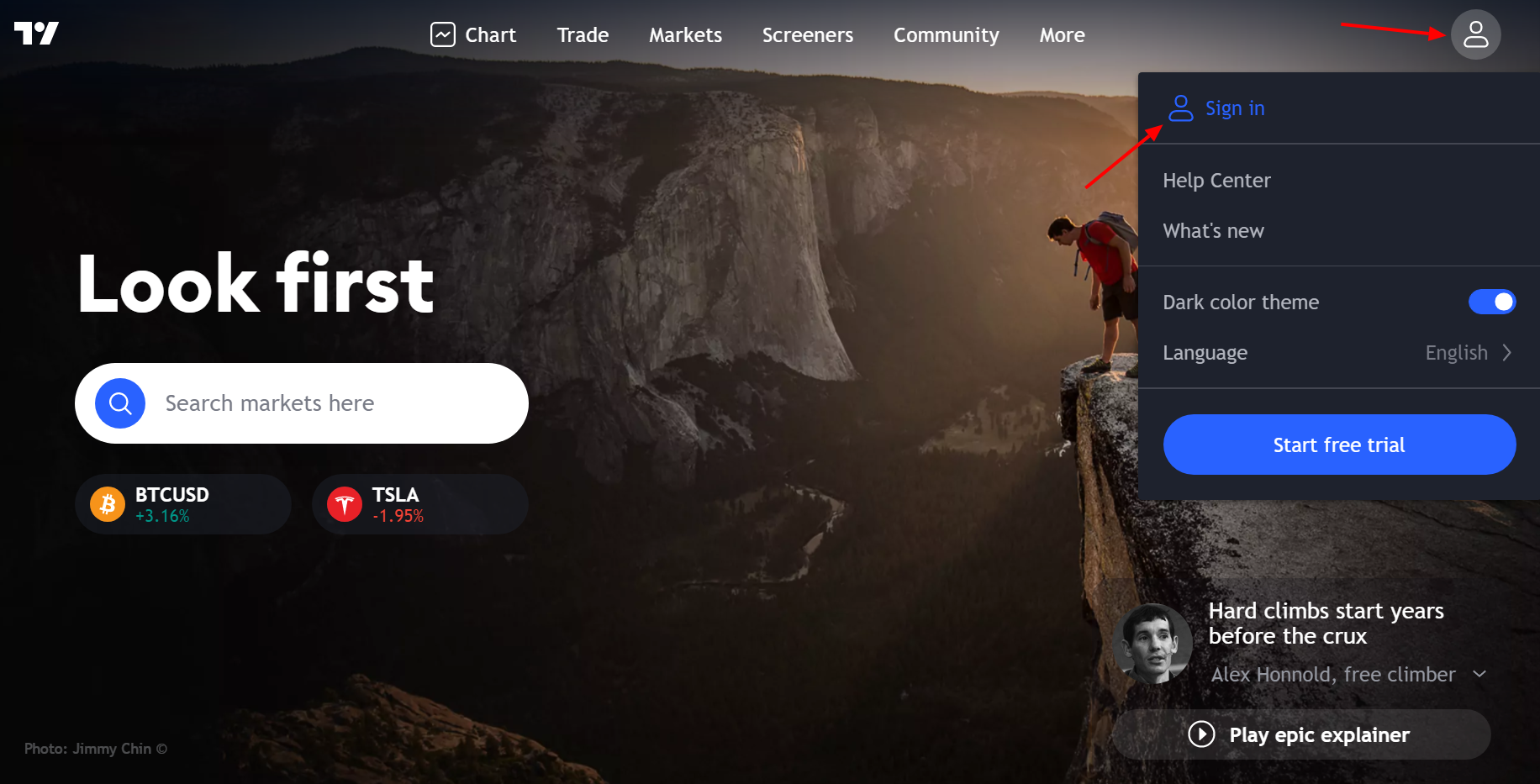
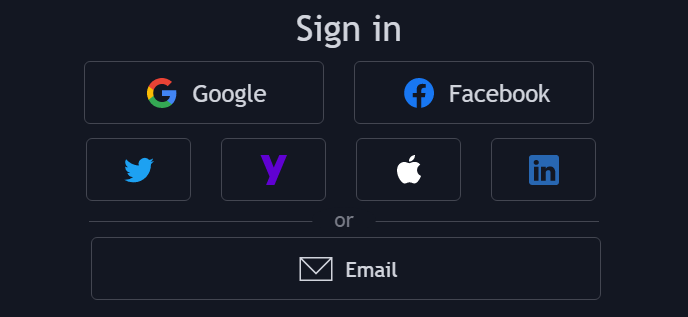
In order to create a TradingView account, you need to go to the TradingViewhomepage. Click on "Sign in" at the top right ofthe homepage, then click on "Sign up" at the bottom of the current window. You can sign up using your social media profiles or an email address.
TradingView Charts
How To Open A Chart On TradingView You can open a chart on TradingView by clicking on 'Chart', located at the top left of the website when you are logged in.

How To Change Symbol
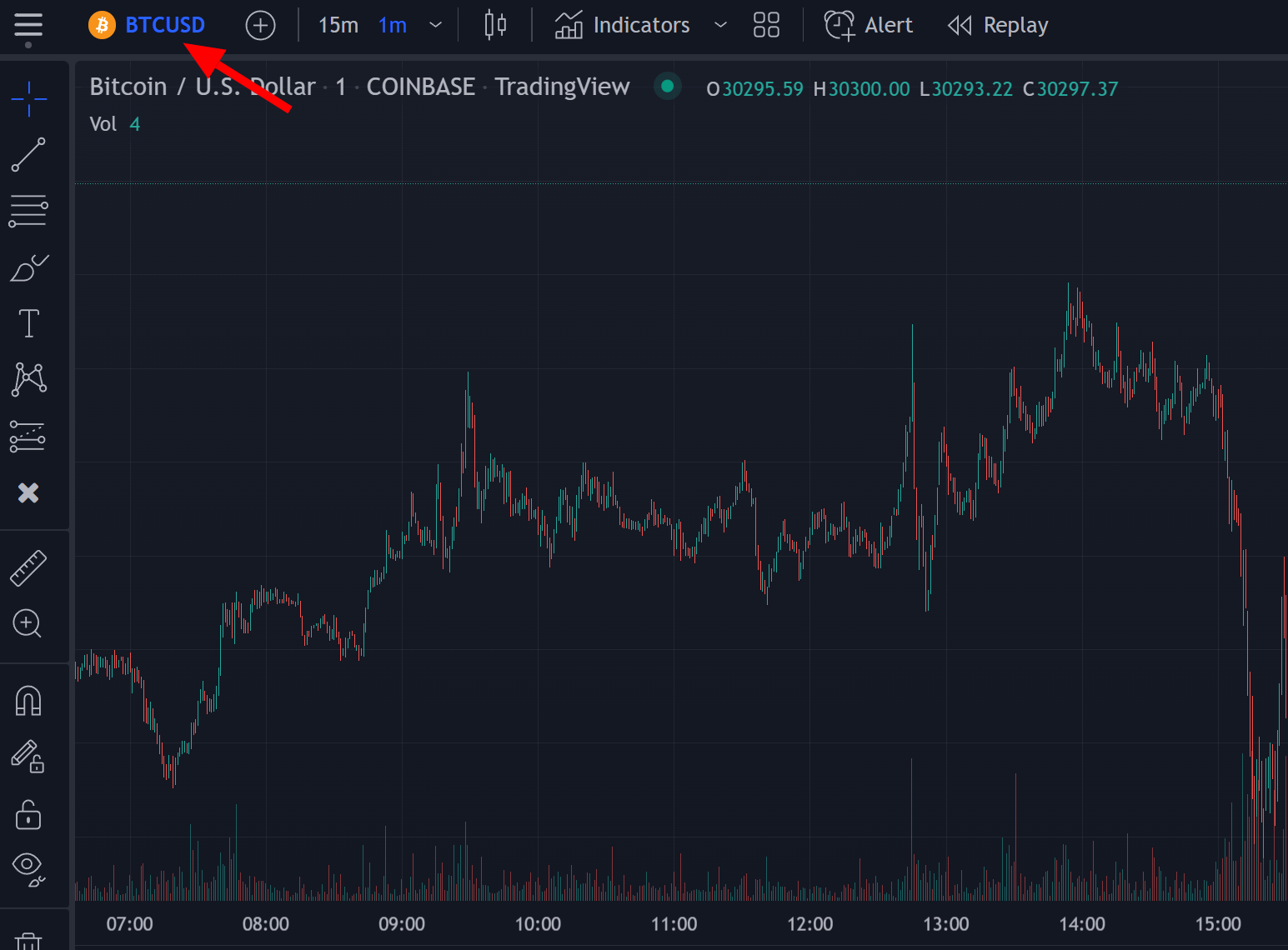
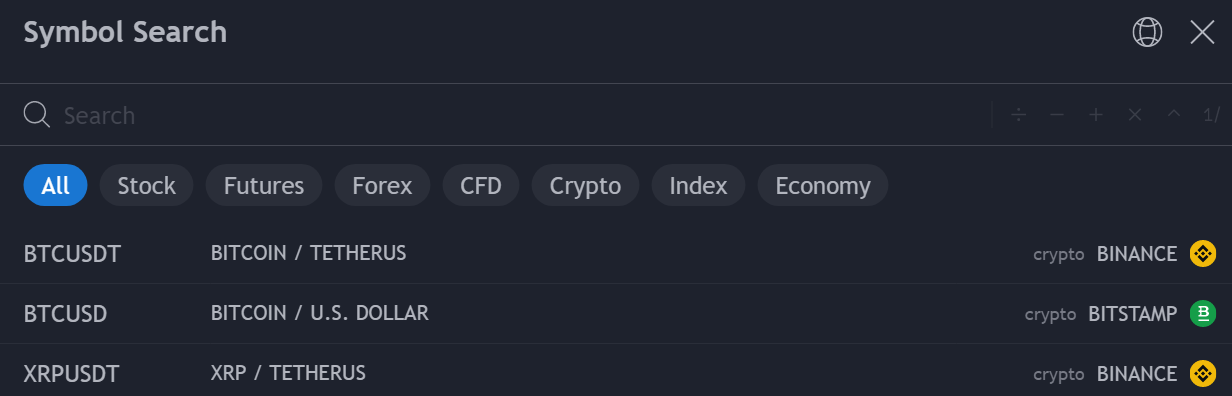
You can change the symbol of the chart by clicking on the top left section containing the current chart ticker.
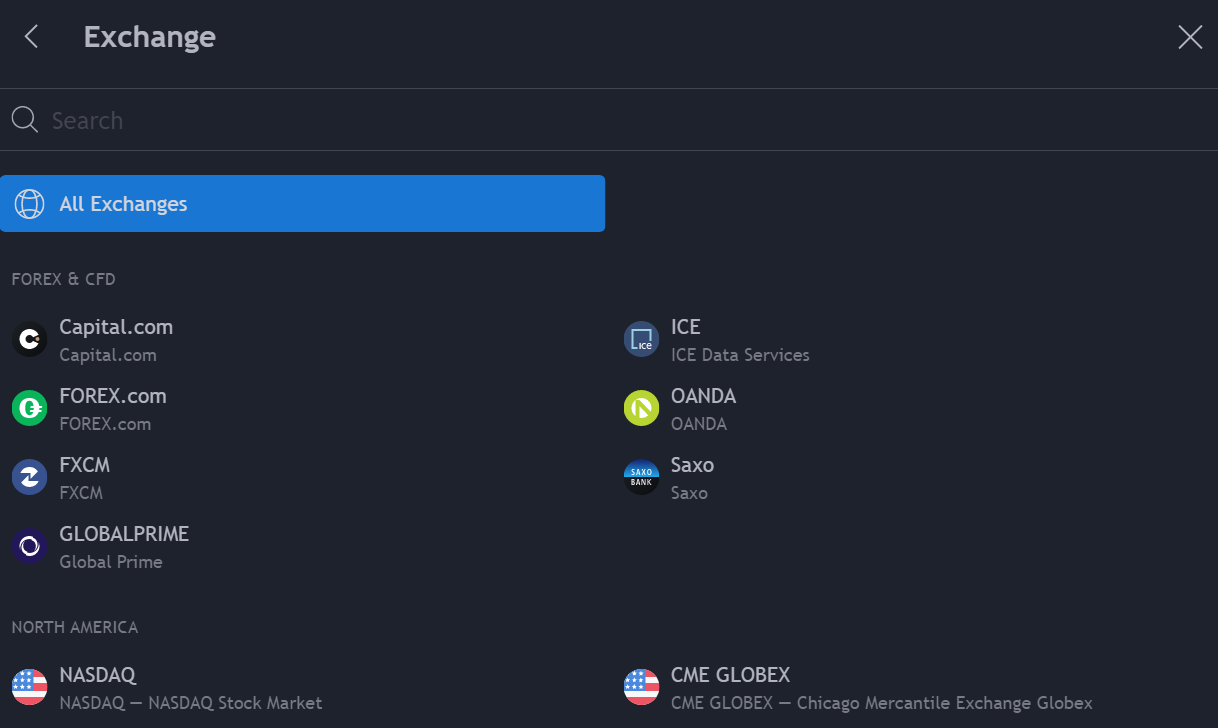
Info - You can also directly type the name of the symbol on your keyboard. Once you click on it you will be able to search for specific symbols. You can also filter out symbols by markets or exchange
Change Chart Timeframe
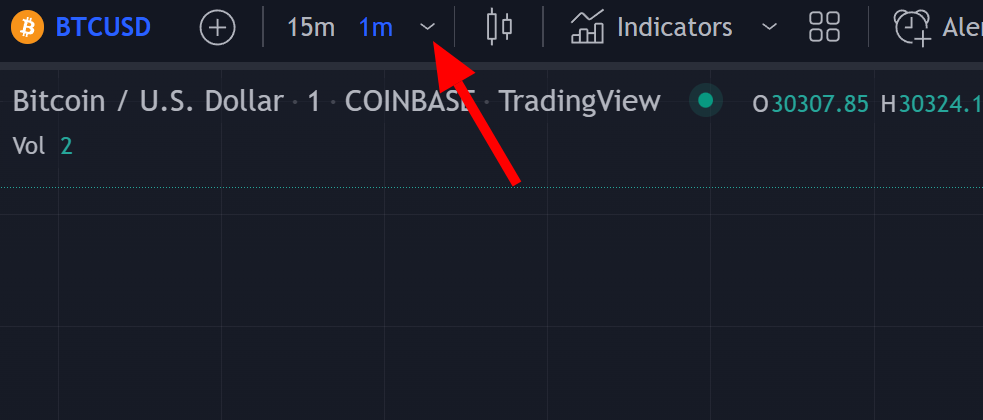
Timeframes determine the frequency at which a new candle is displayed on the chart. To change the timeframe of your chart simply click on the section at the right of the ticker name and selecta timeframe of interest. Info - You can also type the timeframe directly on your keyboard to change it.
Add Indicators To Your Chart
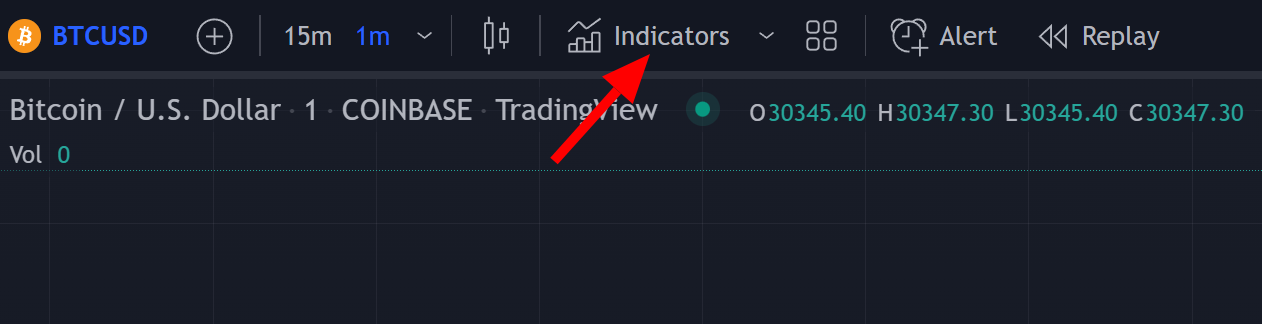
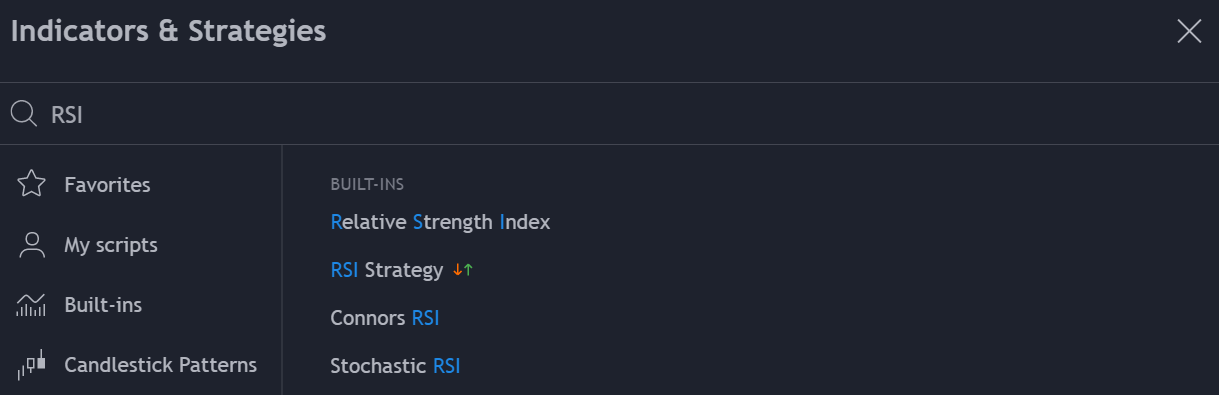
Click on the Indicators button at the top of the chart, this will open a menu, search for the indicator and click on it to add it tothe chart.
Save A Chart Layout
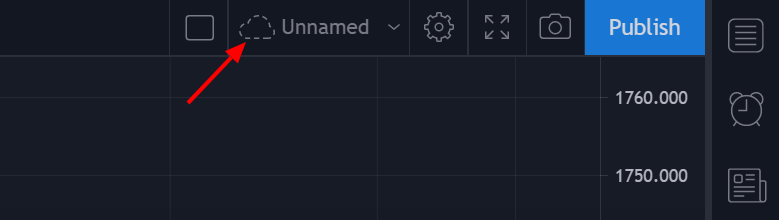
You can create, delete and save chart layouts on TradingView. Once you make a change on a layout, you will need to save these changes, all you need to do is to click on the cloud symbol at the top right of the chart.